Packs in . Pick one to match it exactly, or keep the whole style.
Tap up to 4 drawings your illustration should borrow its look from, or leave it to us.
RECENTLY USED
YOUR PACKS
ALL PACKS
A style blends several packs. Pick a single pack when you want to match one exactly.
Styles are broader and might get you there.
RECENT ILLUSTRATIONS
450 packs. Type to narrow it down.
AI Illustration Generator
Trained on our own artists' work, not images scraped from the internet. Pick a hand-drawn style, describe your scene, and illustration the illustration that style is missing.
Your illustration appears here.
usually 8 to 35 seconds
- Reading the style board
- Drawing in your pick
- Bringing it in
It keeps generating. You will find it in Recent illustrations.
A traced SVG. It scales cleanly and drops straight into your design. It is not hand-authored, so you will not find tidy named layers.
MP4 · 5 seconds · 720p
Your illustration, in motion. Generated from the drawing above, so the style is already yours — it drops into decks, sites and social as-is.
How to prompt
- Name what is in the picture, not what it is about.
- Say who, doing what, with what object.
- Describe colours by name, never as hex codes.
- Leave the style out - it comes from the pack you picked.
Examples
- two people shaking hands, close upa deal
- a person speaking into a megaphonemarketing
- a woman carrying a large parcel to a doordelivery
Ctrl+Enter generates · Esc closes · The longer guide
MOST-DOWNLOADED FROM THE LIBRARY
YOUR RECENT ILLUSTRATIONS
STYLE BOARD
The 4 marked drawings are what your illustration will borrow from.
We send the generator four real drawings from your pick and tell it to copy only how they are drawn: the linework, the palette, the texture. Never what they show. The four it used are listed under every illustration.
Create an account or login
Your style and your prompt are already saved — sign in and the generator picks up exactly where you left it.
The generator is offline for maintenance.
Nothing was charged. Your saved illustrations are still below.
Choose a style 8 styles, or search 450 packs to match one exactly.
How credits work
What each action costs
- Generate a illustration4 credits
- Remove the backgroundFree
- Convert to vector (SVG)4 credits
Re-rolling a illustration you don't like costs another 4 credits — each run is a fresh call to the model.
Credits included with your plan
- Ultimate · Quarterly 45 / month
- Illustrations · Yearly 40 / month
- Ultimate · Yearly 60 / month
- Lifetime Ultimate 60 / month
- Every account, once2 free
Plan credits refill on your billing date and don't roll over.
Top-up packs
- 200 credits$25
- 440 credits$50
- 900 credits$100
Top-up credits never expire and are spent only after your plan credits run out — so buying early never wastes your monthly allowance.
Good to know
- If a generation fails, the credit is returned automatically.
- You can run up to 20 generations an hour.
- Illustrations and their files are kept for 30 days — download anything you want to keep.
- Every illustration is yours to use under the same licence as the pack it was drawn from.
Four steps, and the first one is picked for you
The generator opens on a style, so the only thing you have to do is describe the scene. Everything else is optional.
-
1
Pick a style
8 styles drawn by our own artists — hand drawn, flat, outline, isometric, 3D and more. Tap one on the bar, or open the library to narrow it to a single one of our 450 packs when you want to match an existing set exactly.
-
2
Describe the scene
Say who is in the picture and what they are doing — "a woman carrying a parcel up a staircase". Leave the style out of the sentence; it comes from your pick, not from your words.
-
3
Choose the shape
Square, landscape, portrait, wide or tall, at 2K or 4K. Add a transparent background when you need a cut-out, and list anything you want left out of the picture.
-
4
Download it
PNG straight away, SVG if you want to edit the shapes, and background removal in one click. The illustration stays in your library so you can come back to it.
It draws from our artists' work, not from the internet
Most AI illustration generators were trained on whatever could be scraped. Ours works from the library our own illustrators have been drawing since 2019.
A style you can actually see first
Every style shows you real illustrations our artists made before you commit to it. You are choosing from finished work, not from a word.
It matches a set you already own
Point it at one pack and the illustration is conditioned on that pack's own drawings, so the new scene sits beside the ones you already used instead of looking like a different product.
The library stays human
Nothing generated here enters our packs. Every illustration we sell is still drawn by a person; this tool is for the one scene a set is missing.
Vector out, not just pixels
Turn a illustration into an SVG and you can recolour it, change a shape, or scale it to a billboard — the things a PNG will never let you do.
How to write a prompt that works
Image models draw nouns. They are poor at concepts, and poor at absence. Name what should be in the frame and you will get it.
two people shaking hands, close up
a deal
a person speaking into a megaphone
marketing
a woman carrying a large parcel to a door
delivery
- Describe colours by name. "Lavender purple", not a hex code — the model cannot read hex.
- Leave the style out. It comes from the pack you picked. Writing "flat vector" on top of a hand-drawn style just fights it.
- One subject beats five. A single clear action reads at thumbnail size; a crowded scene rarely does.
- Put text in quotation marks if you need words in the picture, and expect to check the spelling.
- "Avoid" is a nudge, not a rule. Asking for no hands helps; it does not guarantee no hands.
Where a generated illustration earns its place
Almost always the same reason: the set is right, and one scene in it does not exist yet.
-
Product and SaaS screens
Hero and feature blocks in one hand, so the page reads as one product rather than a stock library with a logo on it.
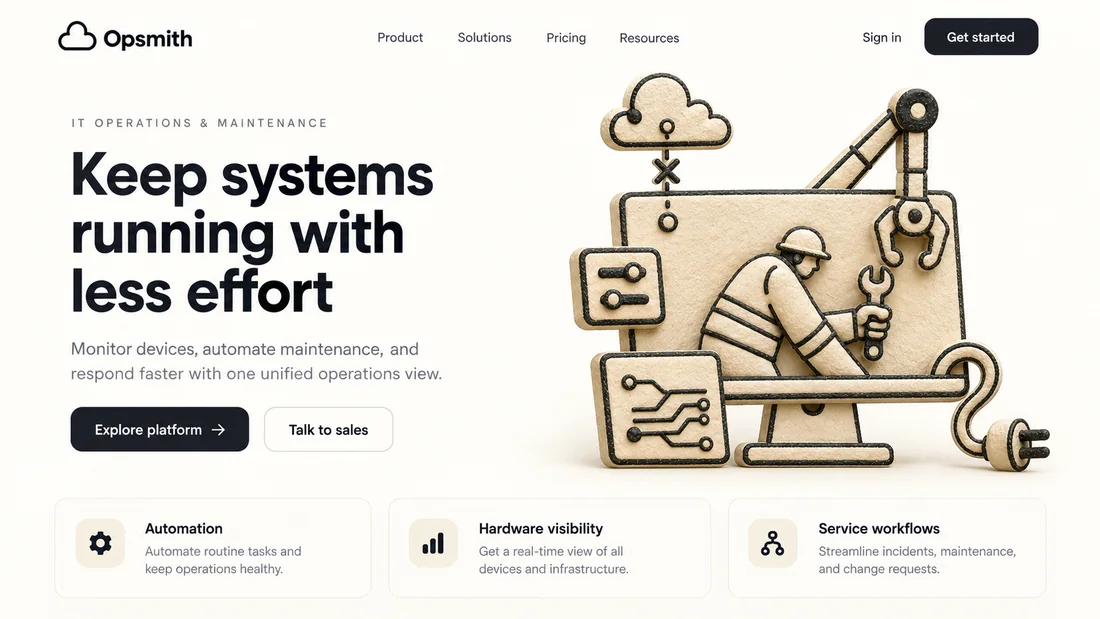
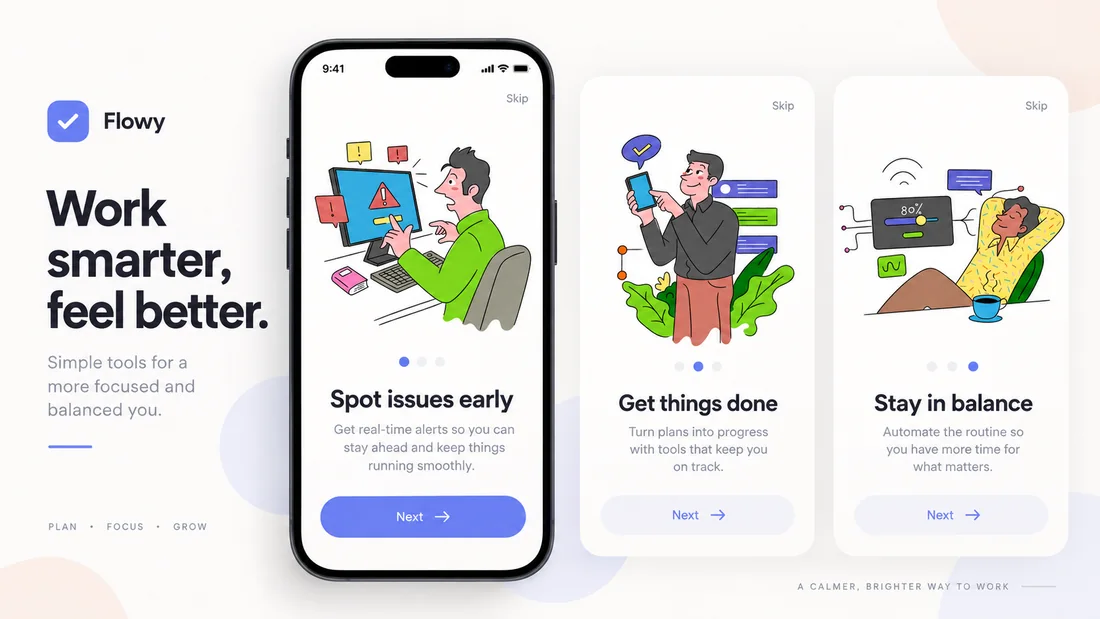
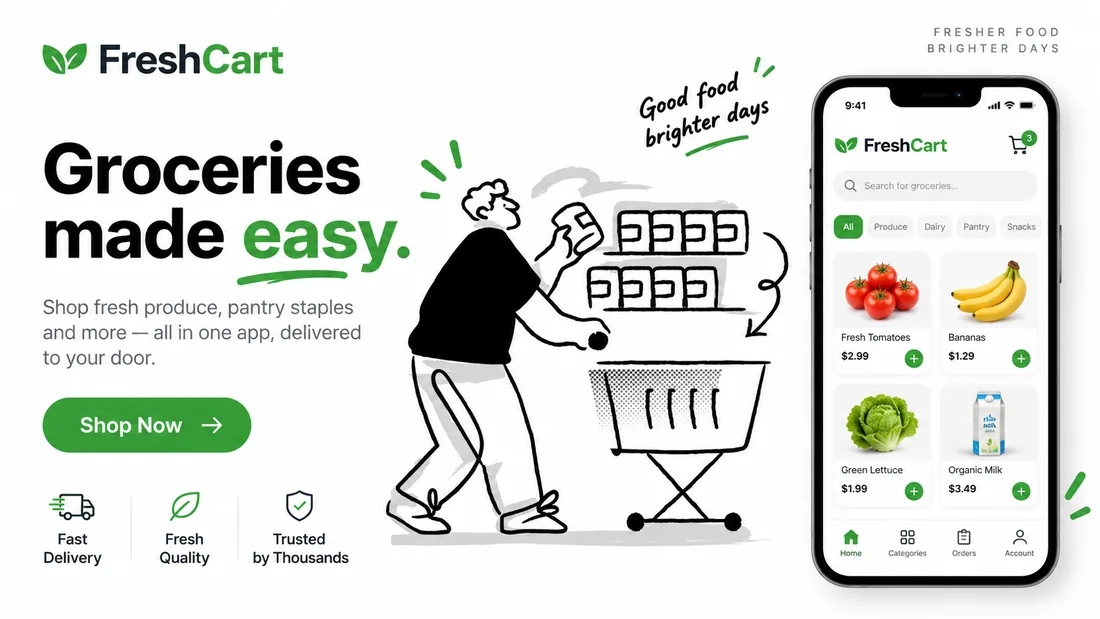
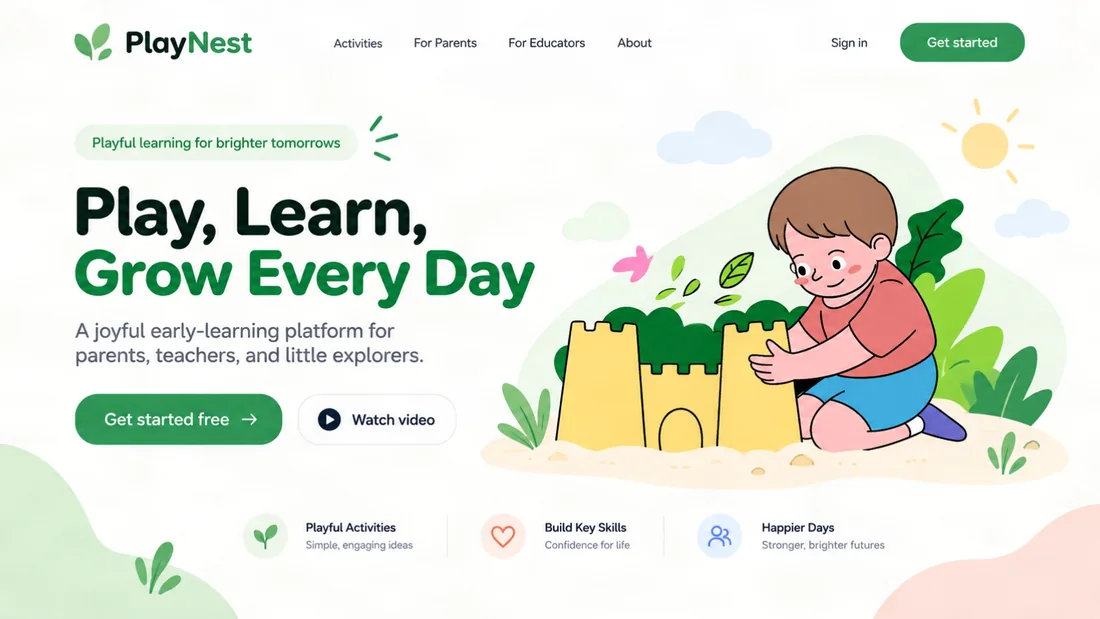
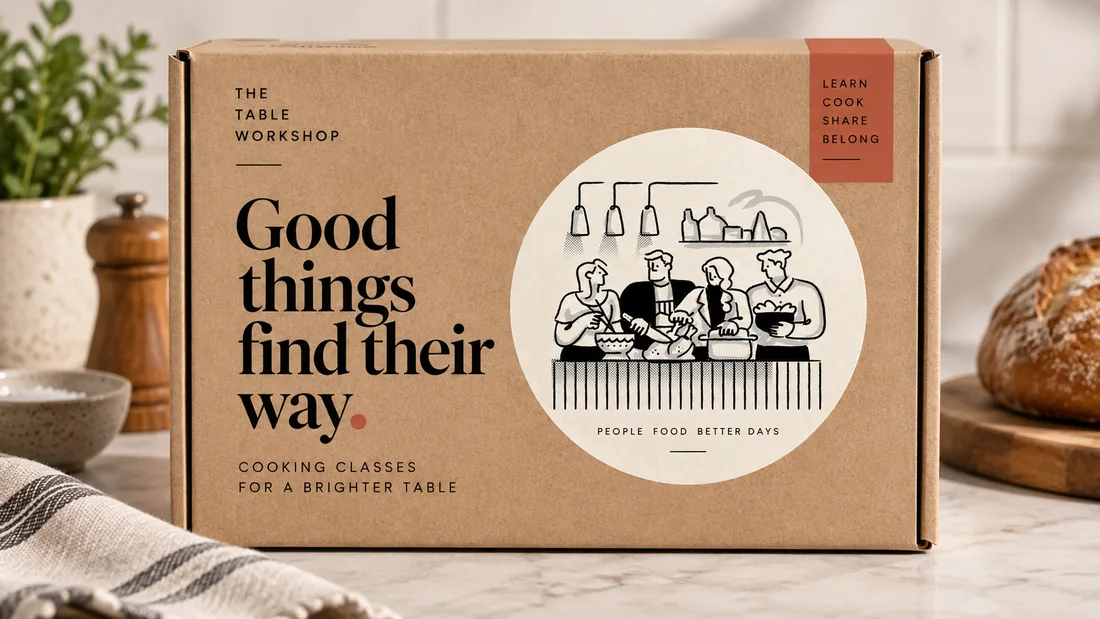
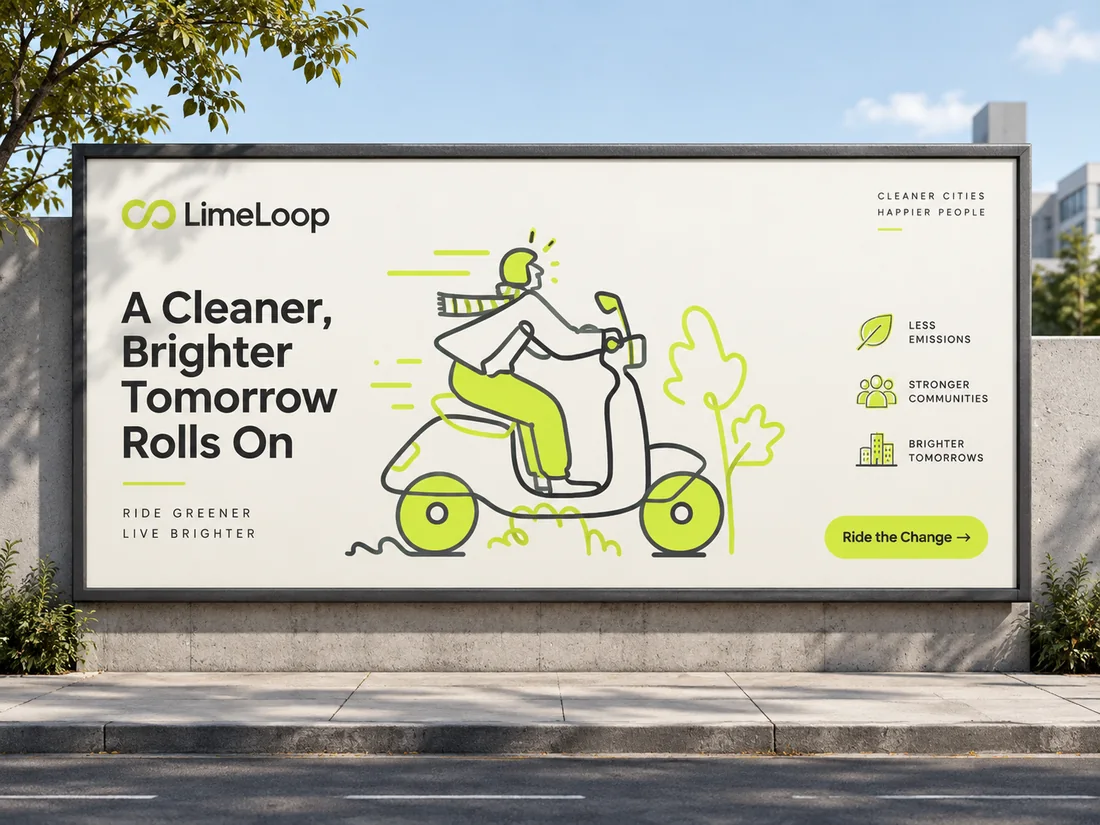
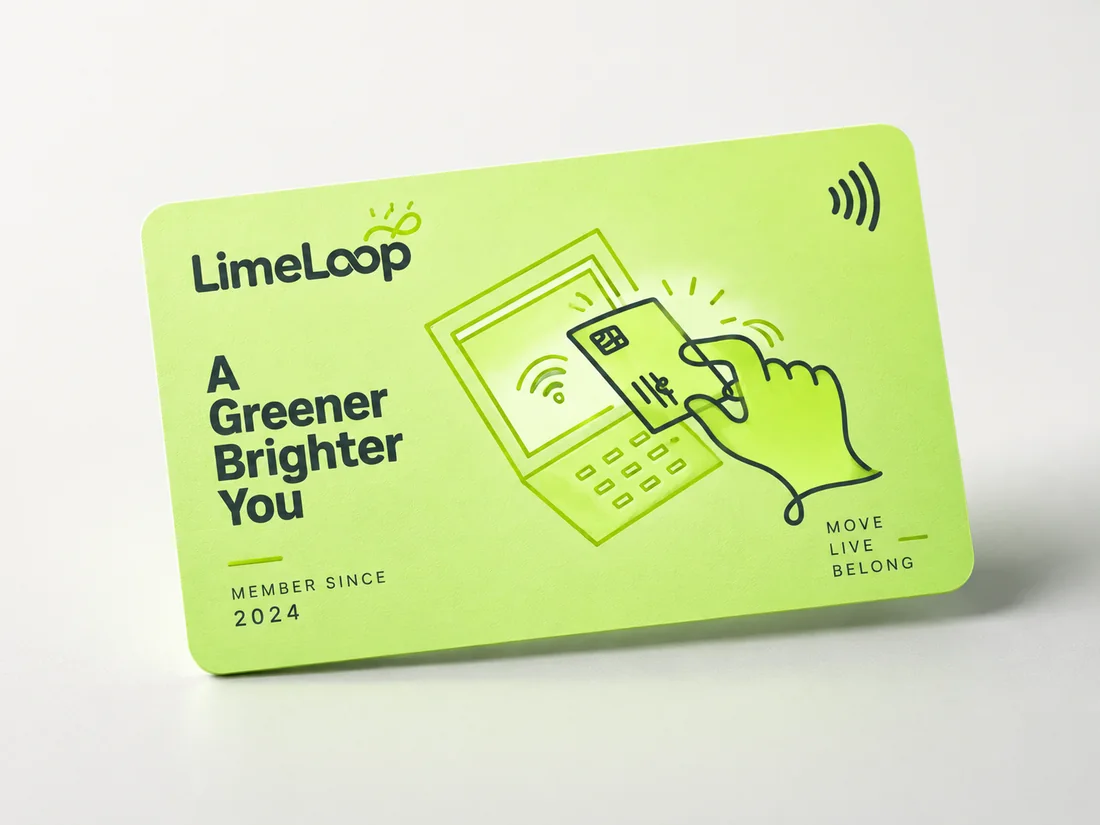
The same illustrations land in product and SaaS screens — empty states, onboarding and error pages — landing pages, decks and reports at 16:9, blog and social headers, email and newsletters, and pitching a direction to a client before anyone commissions the artwork.
Common questions
Can I use what it makes commercially?
Yes. Illustrations you generate carry the same licence as the rest of your plan, including commercial work for clients. You do not need a separate licence for them.
Is the library itself AI-generated?
No, and it never will be. Every illustration in every pack is drawn by a person. This generator is a separate tool for the scene a set is missing — it does not add anything to the packs.
What was it trained on?
It works from our own illustrators' artwork. When you pick a style or a pack, the illustrations are conditioned on real drawings from it rather than on images scraped from the internet.
Can I get an SVG rather than a PNG?
Yes. Any illustration can be turned into an SVG from the result bar, so you can recolour it, edit individual shapes, or scale it without losing quality.
What does a illustration cost?
Credits, which are included with your plan and shown on the button before you press it. The exact number depends on the model you pick; a failed generation returns its credits.
Can I try it without an account?
You can open it, browse every style, choose references and write your prompt for free. Generating needs a plan, because each illustration costs us real compute.
Which shapes and sizes can it make?
Square, 4:3 and 3:4, 16:9 and 9:16, at 2K or 4K on the long edge. A transparent background is available on the models that support it.
Why does it look different from the style I picked?
Usually the prompt is describing a style as well as a scene. Remove words like "flat" or "3D" from the text and let the pick carry the look. Choosing a single pack instead of a whole style also tightens the match.