Turn any image into pixel art.
Export a pixel-perfect vector SVG. Free.
Drop a photo, an illustration, a GIF or a video clip. Pixel Lab rebuilds it as clean pixel art with 15 dither modes, palette control and cleanup, then exports it as SVG, PNG, sprite sheet, GIF, WebM or animated SVG. The conversion runs in your browser and costs nothing.
Open Pixel Lab, it's free → Source on GitHub
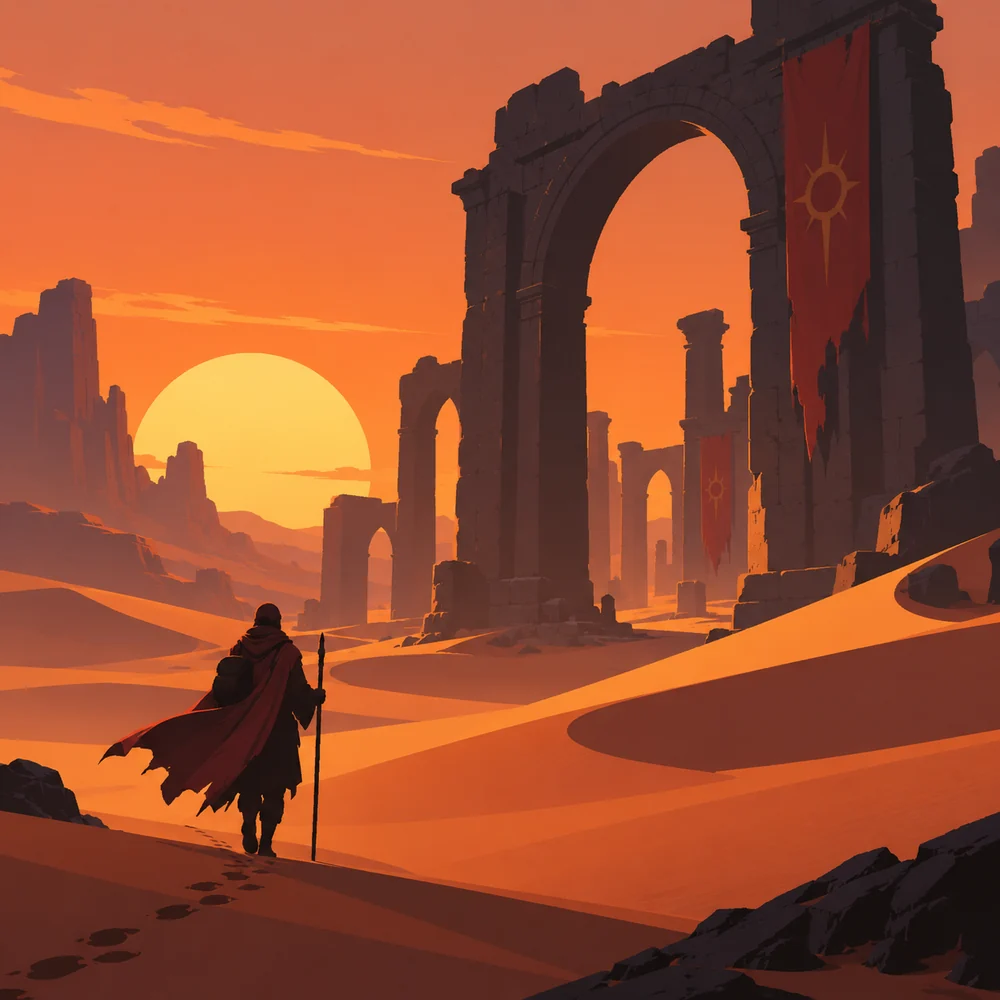
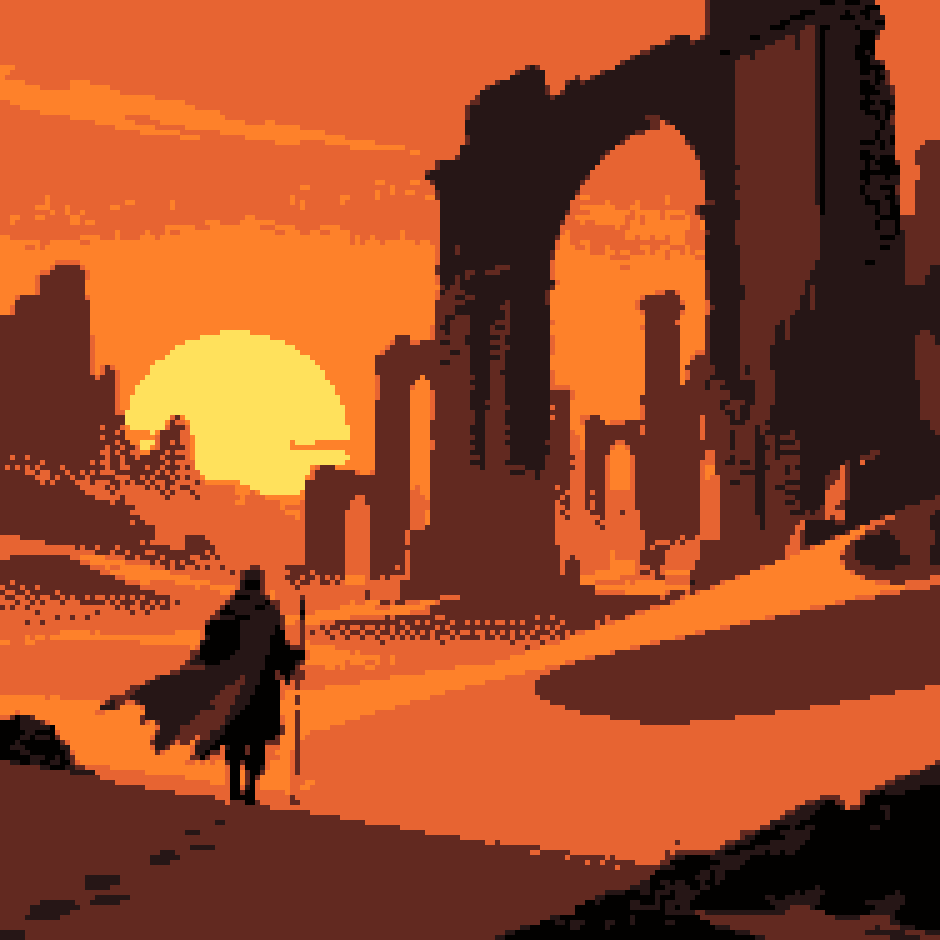
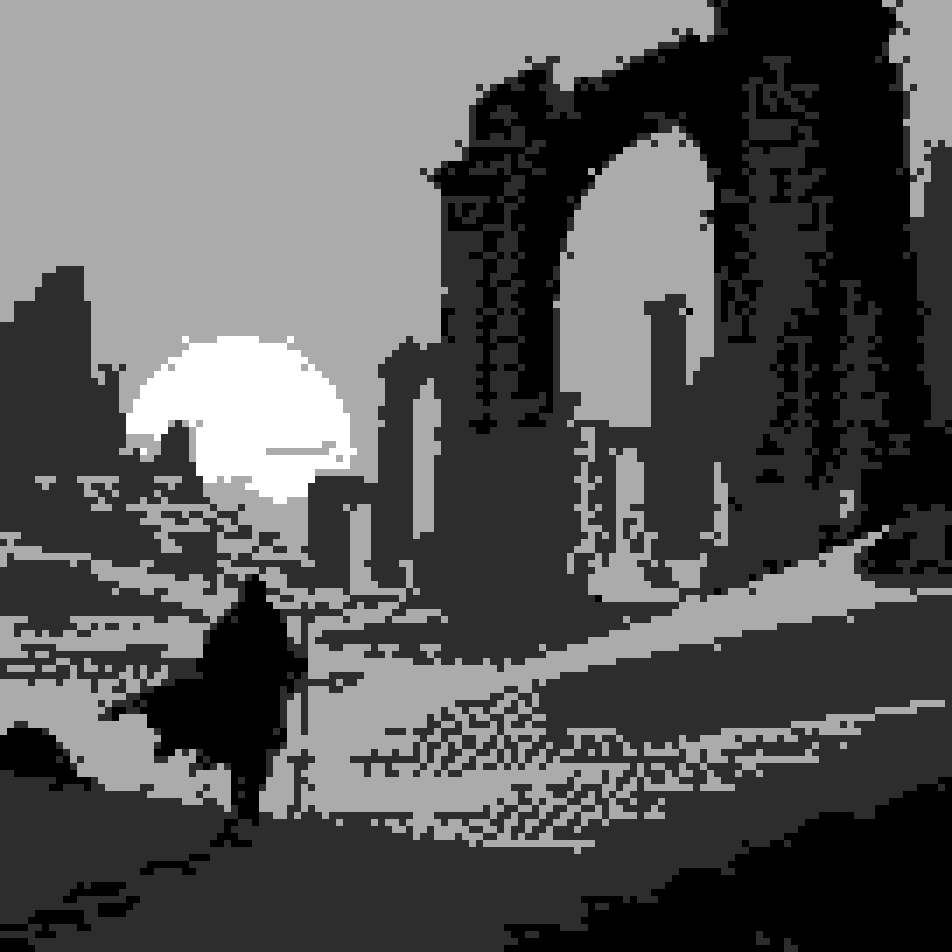
- 15 dither modes each with a strength slider
- 22 modules switch on what you need
- 8 export formats SVG first, pixel-perfect
- No install it runs in your browser
Six pictures, converted in the tool
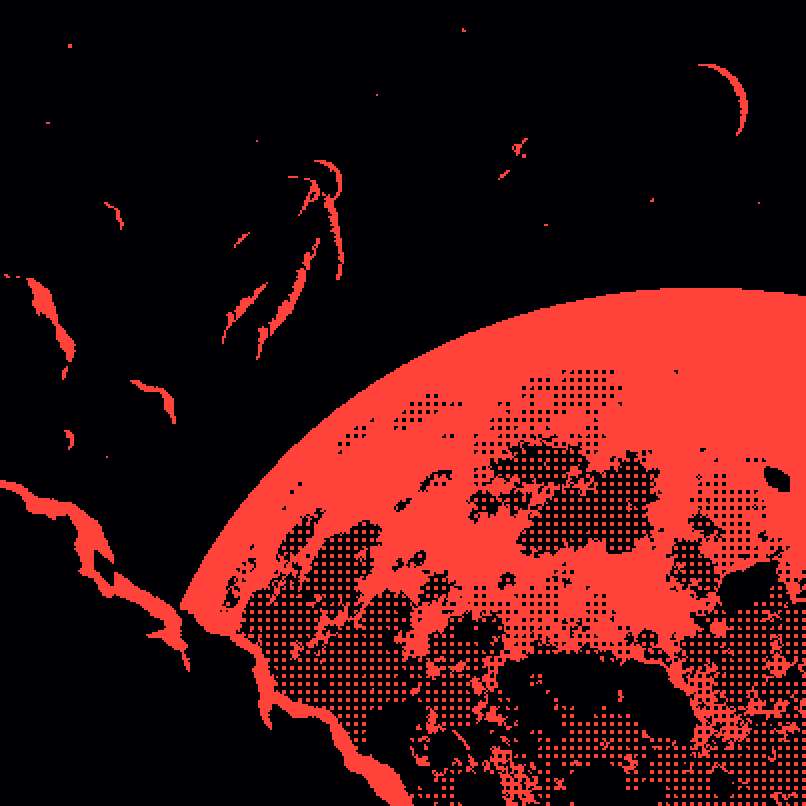
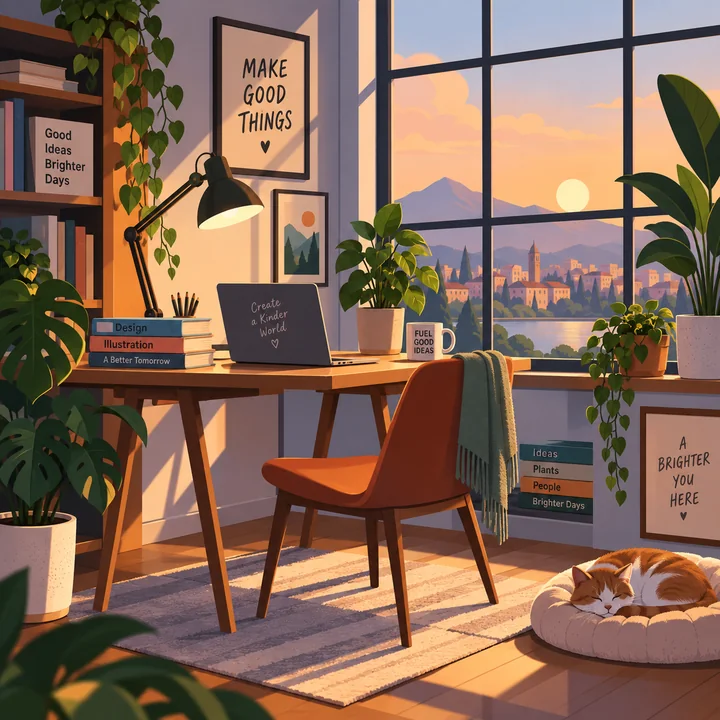
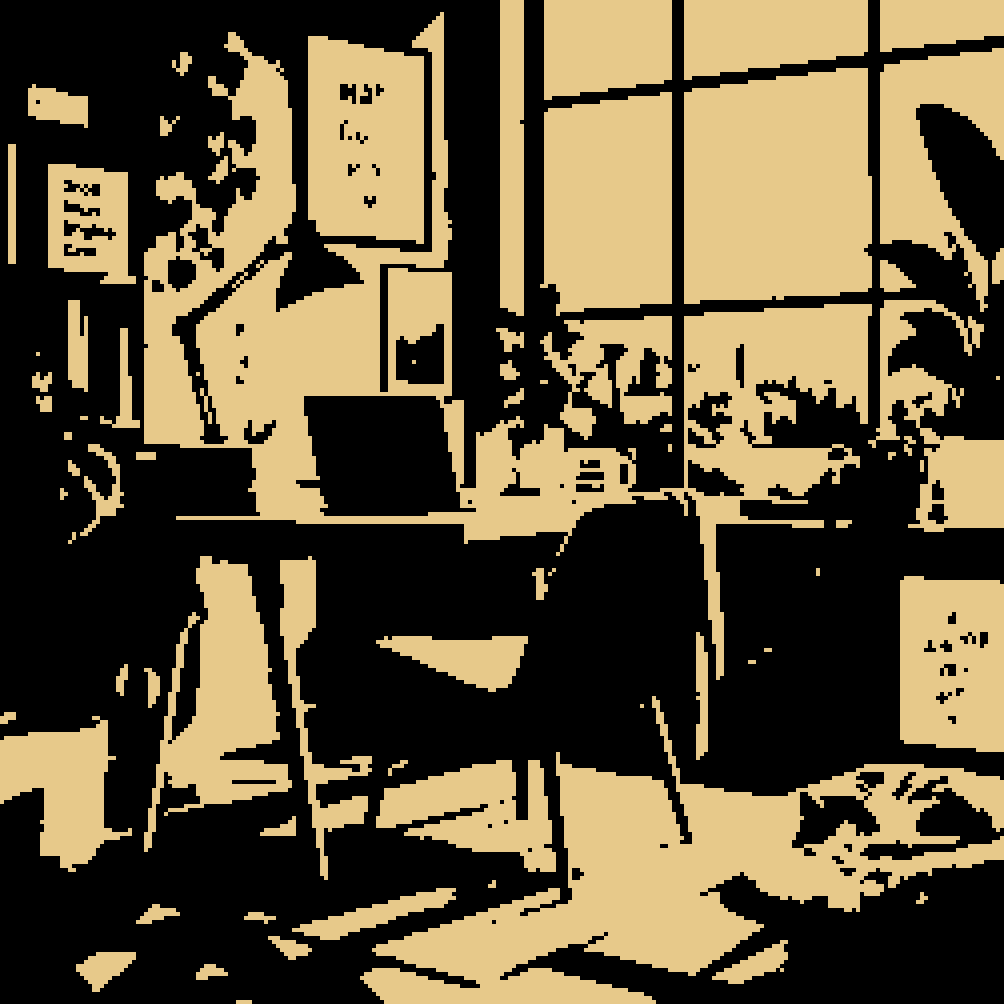
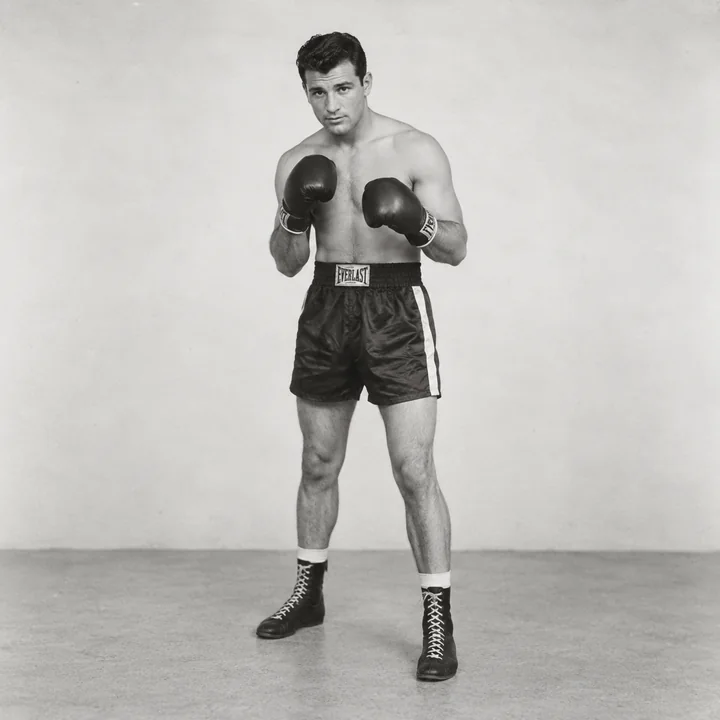
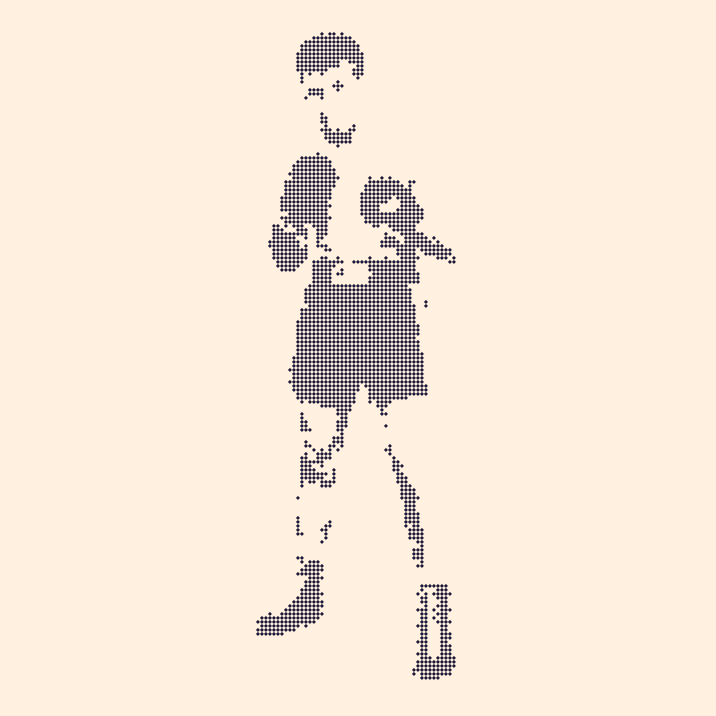
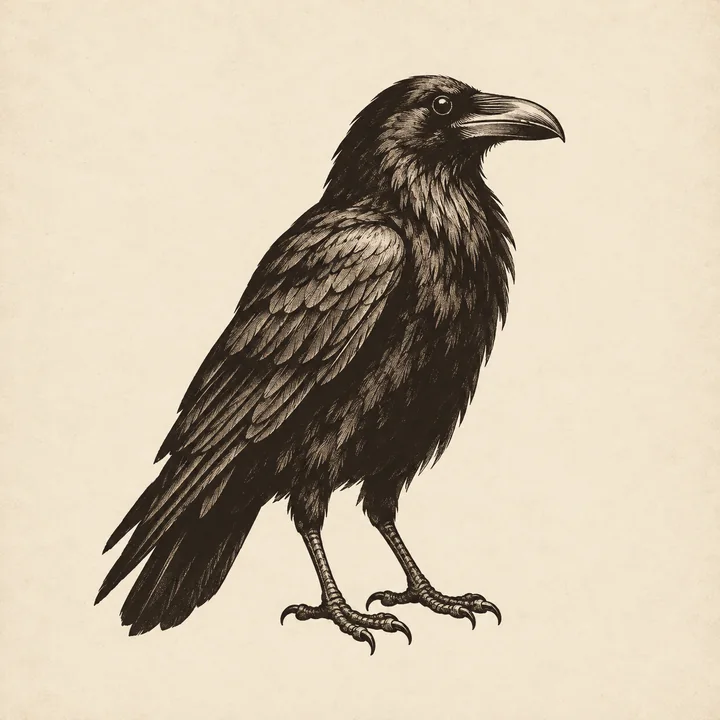
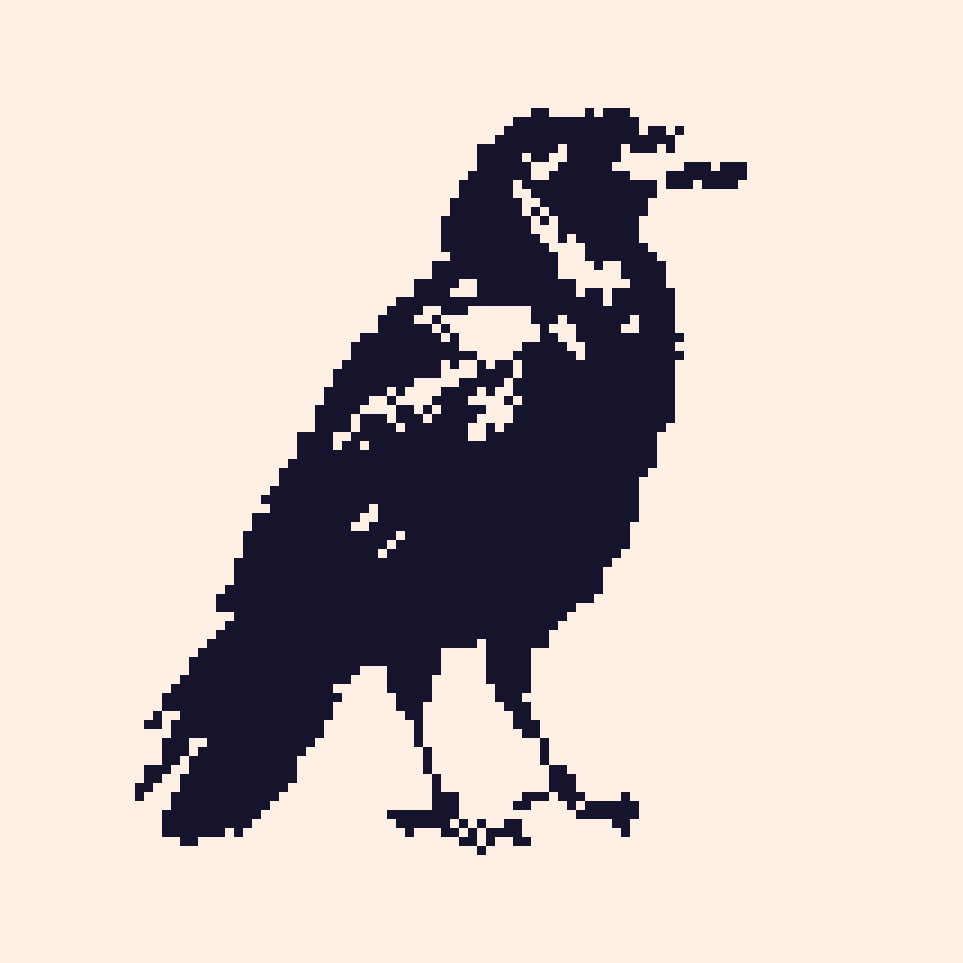
Scenes, a photo, an engraving and an icon, exported straight from Pixel Lab with nothing retouched. Move your mouse over a pair: both pictures zoom in on the same spot, the original on the left and the pixel grid on the right. The chip is the palette and grid it ran.
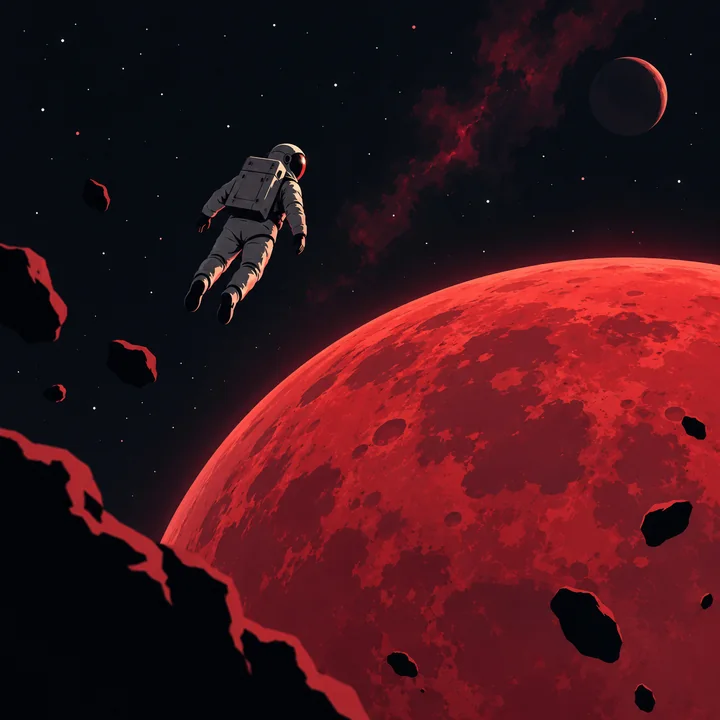 Before
 Pixel Lab
 Before
 Pixel Lab
 Before
 Pixel Lab
 Before
 Pixel Lab
 Before
 Pixel Lab
 Before
 Pixel Lab
What Pixel Lab does, for free
One tool, 22 modules. Most jobs need a handful, so it opens with the essentials: source, auto setup, resolution, colour, dither, export and the pixel grammar; everything else has a switch and costs nothing while it's off. The pixel grid is the product: every export, from the master SVG to the sprite sheet, comes from the same cells, so what you see is what you get.
-
Image to pixel art
Any PNG, JPG, WebP, SVG, GIF or video. Pick a pixel budget or a fixed grid, cover or contain, and the auto setup does the first pass: grid, palette and dither chosen from the picture, ready to tune.
- Dither and colour
15 modes with a strength slider; palettes from the image, a preset or your own list.
- Cleanup
Stray pixels, islands and stair-steps removed; edges protected; adaptive detail where it counts.
- Auto setup
One press reads the picture and sets the grid, the palette size and the dither; every choice stays a slider you can move.
- Motion
Sprite sheets with JSON metadata, GIF and WebM at your frame rate, animated SVG.
-
Pixel-perfect SVG and PNG
A master SVG with one square per cell that Figma and Illustrator open as editable rectangles, an optimised SVG with same-colour cells merged, five pixel forms, and PNG at 1x to 16x with the grid intact.
- FX lab
Seven ASCII renderers, Braille, Matrix, halftone, glitch, engraving, crosshatch, stipple, CRT.
- AI masks
A SegFormer model in your browser separates subject from background; paint your own on top.
- Bulk
Folder rules, saved presets and a collection style system keep a whole set consistent.
- Five pixel forms
Square, rounded, circle, diamond and cross cells, with a gap and a grid line if you want them, for stickers, LED boards and cross-stitch charts.

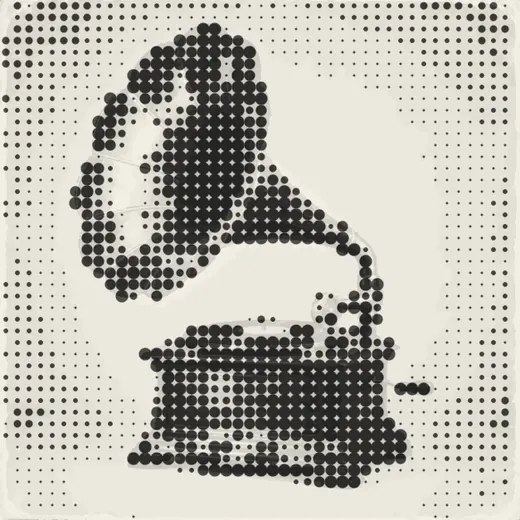
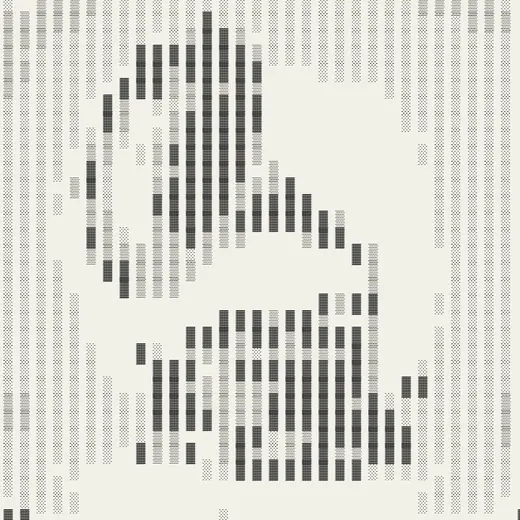
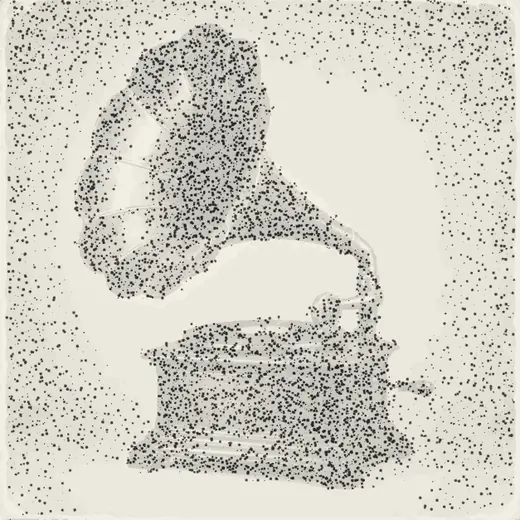
The same photo through the pixel renders and the FX lab
Each tile is one export: a grid size, a dither, a palette, or a base look in the FX lab. Stack effects on top, randomise, and export as PNG, GIF or animated SVG.
 Pixel art
 Floyd-Steinberg
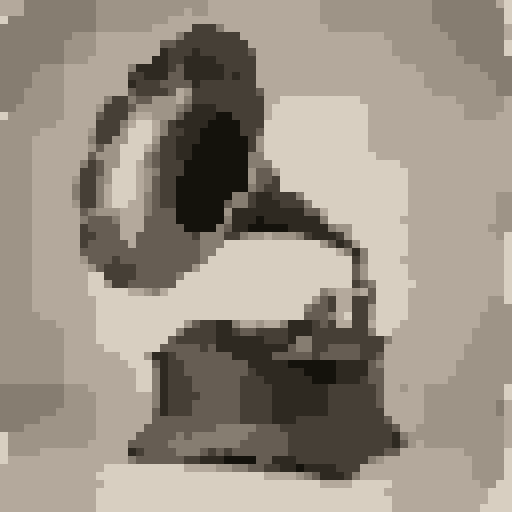 64×64 sprite
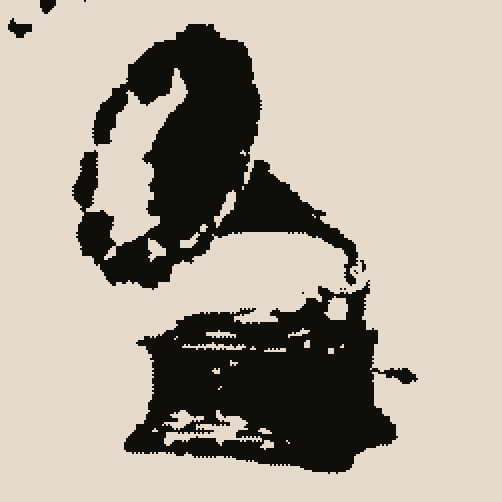 Two-tone
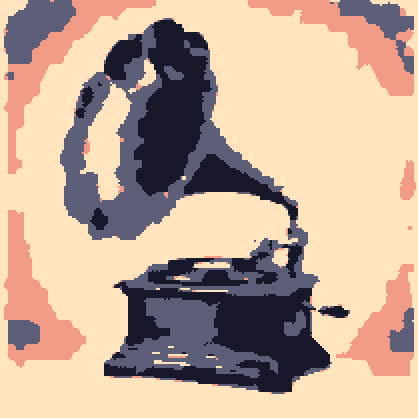 Coral Night palette
 Halftone
 ASCII blocks
 Line art
 Painterly
 Stipple
 VHS glitch
 Chromatic glitch
Six steps, and the first three are usually enough
- 1Drop your sourceDrag an image, GIF, video or folder onto the canvas, or paste from the clipboard.
- 2Let auto setup runPick a quality preset and a pixel budget. Auto tune reads the image and sets sampling, palette size and dither for a first pass.
- 3Tune palette and ditherLock colours you want to keep, swap the dither mode, drag the strength slider and watch the preview follow.
- 4Clean it upRemove stray pixels and islands, protect edges, regularise stair-steps. The quality score tells you what changed.
- 5ExportSVG, PNG, ASCII text, sprite sheet ZIP, GIF, WebM or animated SVG. Settings and palettes export as JSON.
- 6Save the recipeSave your settings as a preset, then run a folder through the bulk module and every image comes out matching.
Open Pixel Lab → Free. No account, no install, no watermark.
What it exports
Everything renders locally and downloads straight from the page.
| Format | What you get | Best for |
|---|---|---|
| Master SVG | One rectangle per cell, every pixel editable in Figma or Illustrator | Editing the artwork further, scaling without blur |
| Optimised SVG | Same-colour cells merged into larger rectangles, far smaller file | Websites, icons, anything that ships |
| PNG | 1x to 16x scale, transparent or flattened background | Social, docs, game assets |
| Sprite sheet ZIP | Packed tiles plus JSON frame metadata | Game engines, CSS sprite animation |
| GIF and WebM | Frame rate, duration, scale and bitrate you choose | Previews, social posts, READMEs |
| Animated SVG | A self-contained SVG animation of the FX cycle | Logos and marks that have to stay vector |
| ASCII text | Plain-text art in seven character sets, Braille or Matrix | Terminals, code comments, GitHub profiles |
| Settings and palette JSON | Every slider and colour, reproducible | Teams, batch jobs, version control |
What people make with a free pixel art converter
A few starting points, with packs from the library that suit each one.
Game sprites and sheets
Turn concept art or a short clip into a packed sprite sheet with frame data. Start from the Robot Pixel Art pack if you need characters that are already pixel-native.
Retro brand marks
An 8-bit or CRT version of a logo for a launch page or a sticker. Export the optimised SVG so it stays crisp at any size; our Illustrator pixel-art guide covers the finishing steps.
Halftone and engraved print
Clustered-dot and halftone screens with the engraving look give photos a printed feel. The Halftone Doodle characters show it drawn by hand.
ASCII and terminal art
README banners, CLI splash screens, code-comment art. The Claude Mascot pack is a popular source for this one.
Animated pixel logos
Run the FX cycle on a mark and export an animated SVG or a GIF. Glitch, bloom and CRT presets are tuned for short loops.
Consistent sets
Converting a whole pack? Fingerprint a few examples, lock the master palette and run the folder through the bulk module so every piece matches.
A single page of plain JavaScript that runs in your browser
Runs locally
Sampling, palette extraction, dithering, cleanup and the SVG optimiser run on the main thread against canvas pixel data. Video and GIF frames are decoded in the browser; the sprite packer, GIF encoder and WebM recorder are in-page too.
GPU for the heavy looks
The 4K preview and the FX lab render through WebGL, so halftone, glitch and CRT cycles stay smooth at print size, and the animated SVG export bakes those frames into one self-contained file.
One optional download
The AI mask loads Transformers.js and a SegFormer checkpoint, about 40 MB, from a public CDN the first time you press Load AI model, then keeps it cached.
Open source, MIT
Settings, presets and collection fingerprints live in this browser's local storage; export them as JSON to move or share them. The full source and the module-by-module documentation are on GitHub.
- Plain JavaScript
- No build step
- Canvas + WebGL
- Transformers.js
- localStorage
- MIT licence
Questions about the free pixel art converter
Is Pixel Lab free to use?
Yes. Pixel Lab is free, there is no account to create and no watermark on exports. It runs entirely in your browser, so there is nothing to install either.
What can I turn into pixel art?
PNG, JPG, WebP and SVG images, GIF and video frames, or a whole folder at once through the bulk module. Drop the file on the canvas, pick a pixel budget and the auto setup does the first pass for you.
Which dithering algorithms are included?
Fifteen: Floyd-Steinberg, Atkinson, Stucki, Burkes, Sierra, Sierra Lite, Jarvis-Judice-Ninke, random threshold, a blue-noise style, clustered dot, checker and sparse transitions, and ordered Bayer at 2x2, 4x4 and 8x8. Dither strength is a slider, serpentine diffusion is a switch, and the FX lab adds mono and CMYK halftone screens on top.
Can I export pixel art as SVG?
Yes, two ways. The master SVG keeps one square per cell so every pixel stays editable, and the optimised SVG merges neighbouring cells of the same colour into larger rectangles for a much smaller file. PNG export goes from 1x up to 16x, and the GPU preview renders a 4K frame.
How do I make a sprite sheet?
Load a video clip or a set of frames, open the Sprite sheet module, choose the tile size, columns and padding, then export. You get the sheet as a ZIP with a JSON file describing every frame, ready for game engines and CSS animations.
Can it make GIFs or animated SVGs?
Yes. The GIF / Video module exports GIF and WebM at the frame rate, duration and scale you choose, and the animated SVG export turns the FX cycle into a self-contained SVG animation that plays anywhere an SVG does.
What is ASCII mode?
A set of text renderers that redraw your image with characters instead of pixels: standard, minimal, dense, technical, hatching, terminal blocks, Braille dots and a Matrix digit rain. The result is plain text you can paste into a README, a terminal or a code comment.
What does the AI mask do, and does it cost anything?
The AI semantic zones module runs a SegFormer model in your browser through Transformers.js to separate subject from background, so you can dither or stylise only part of an image. It is free. The model is about 40 MB and downloads once from a public CDN the first time you load it.
Can I use what I make commercially?
Anything you create from your own images is yours to use however you like. Pixel-art versions of GetIllustrations packs follow the licence of the pack they came from. The tool itself is open source under the MIT licence on GitHub.